 ▶
▶
1 · Quick Start
ProjectLibre Overview
Quick Start video for using ProjectLibre Cloud.

Learn ProjectLibre Cloud from quick start through core workflows, full menu walkthroughs, and expert capabilities.
 ▶
▶Dashboard, Portfolio, Project, Admin, drag-and-drop, and collaborative workflow.
 ▶
▶Critical Path, constraints, links, baselines, and advanced scheduling.
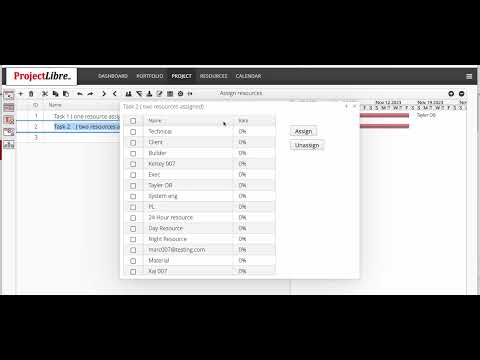 ▶
▶Assign resources and work with the multi-project resource pool.
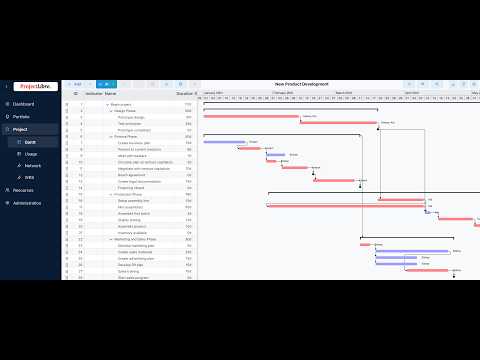 ▶
▶Import Microsoft Project or ProjectLibre Desktop projects.
 ▶
▶Core Gantt Chart features and project schedule interaction.
 ▶
▶Network Diagram and Work Breakdown Structure overview.
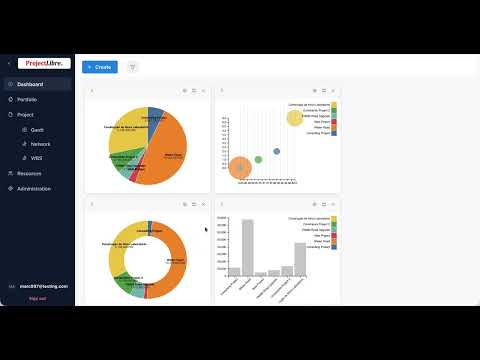 ▶
▶Dashboard overview, setup, and project information.
 ▶
▶User, team, project administration, access, and related controls.
 ▶
▶Manage your profile, personal preferences, and ProjectLibre avatar.
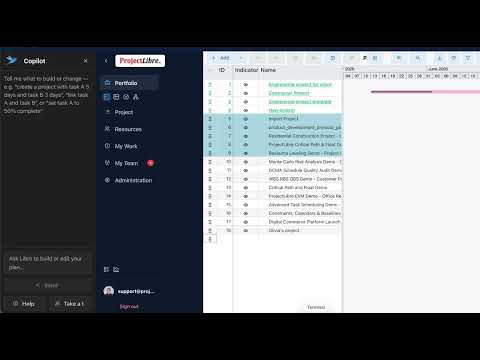 ▶
▶Use ProjectLibre Co-Pilot to work with projects through natural-language assistance.
 ▶
▶Understand critical tasks, total float, and free float in the project schedule.
 ▶
▶Build a new project manually and define the schedule from the ground up.
 ▶
▶Create a project with AI and refine it using ProjectLibre Co-Pilot.
 ▶
▶Create a ProjectLibre Cloud project by importing an existing project file.
 ▶
▶Complete project time capture and approval system. Team members enter actual work and remaining work in My Work; project managers review and approve submissions in My Team; approved time flows directly into project actuals and remaining work.
 ▶
▶Full walkthrough of the Portfolio view and multi-project visibility.
 ▶
▶Full walkthrough of the Project view, schedule, Gantt, WBS, Network and related views.
 ▶
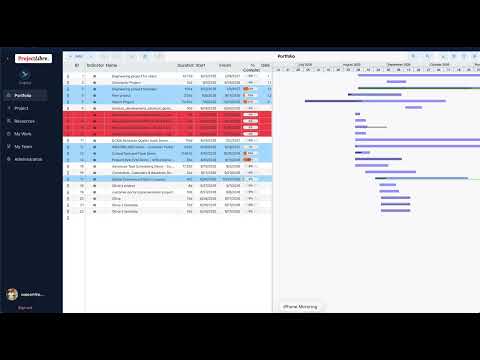
▶Full walkthrough of resources, assignments, availability, utilization and resource management.
 ▶
▶Full walkthrough of Users, Roles, Licenses, Payment and Company administration.
 ▶
▶A focused look at the latest user experience improvements across ProjectLibre Cloud.
 ▶
▶New capabilities for managing projects, resources, assignments, and day-to-day project work.
 ▶
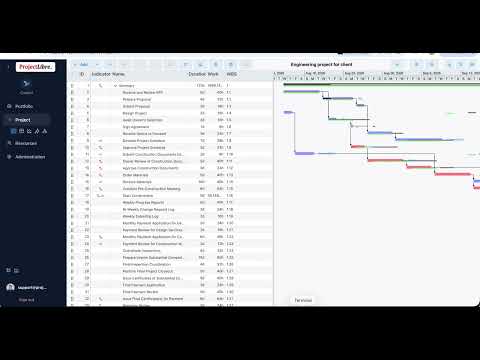
▶New team organization, access management, and collaboration capabilities.
 ▶
▶New scheduling and tracking capabilities for planning, updating, and controlling project work.
 ▶
▶Advanced analysis capabilities for deeper insight into project performance, schedule quality, and risk.
 ▶
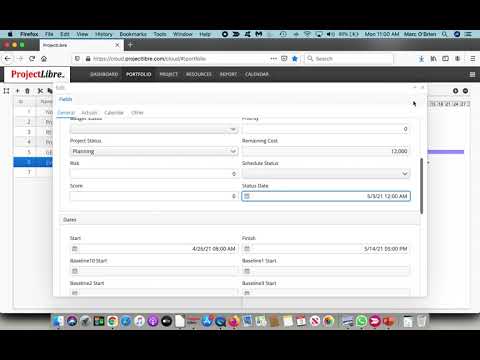
▶Create and edit projects with ProjectLibre AI.
 ▶
▶Performance Management and Earned Value Management.
 ▶
▶Use WBS, RBS, and OBS structures to organize projects, resources, and the enterprise.
 ▶
▶Analyze schedule uncertainty and the probability of achieving project completion dates.
 ▶
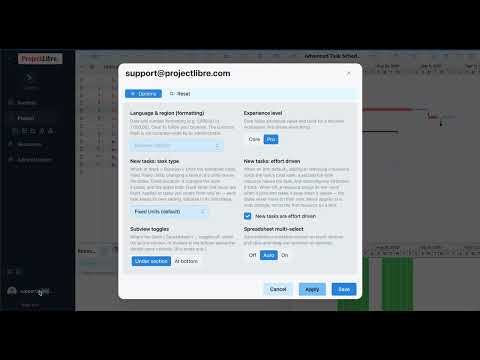
▶Audit project schedule quality using DCMA-based schedule assessment criteria.
 ▶
▶Work with advanced scheduling controls and techniques for complex project plans.
 ▶
▶Resolve resource overallocations and balance resource demand across project schedules.
▶ProjectLibre overview localized by YouTube for Spanish-language viewers.
▶ProjectLibre overview localized by YouTube for Portuguese-language viewers.
▶ProjectLibre overview localized by YouTube for German-language viewers.
▶ProjectLibre overview localized by YouTube for French-language viewers.
